BlankerMojo
A downloadable tool
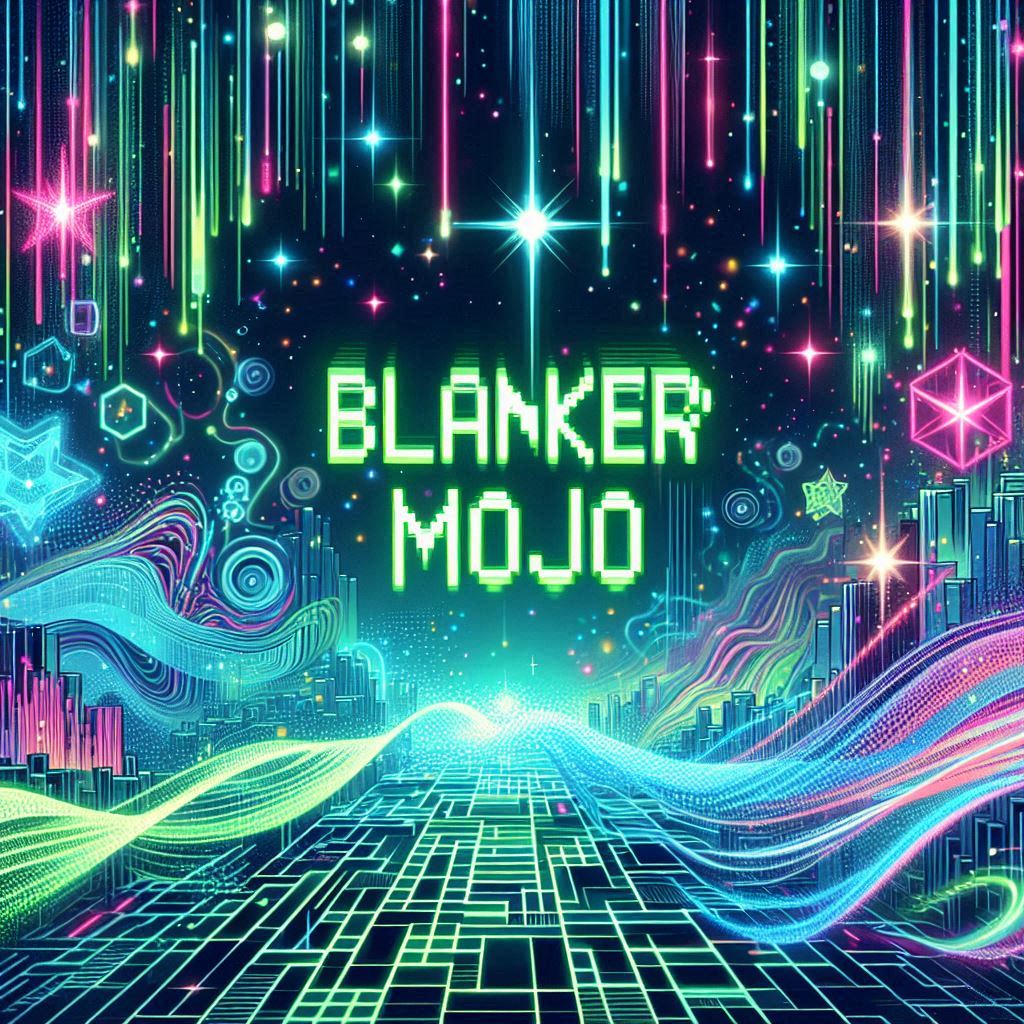
BlankerMojo is an screen blanker that brings multiple visual effects to your Amiga. From the iconic Matrix falling code to starfields and geometric patterns - it runs silently in the background and springs to life when you step away from your keyboard.
Features
- 8 different visual modes to choose from
- Configurable hotkey for instant activation
- Adjustable speed and colours
- Mouse sensitivity threshold to prevent accidental wake-up
Visual Modes
- MATRIX - Falling digital rain code
- STARFIELD - Flying through space at warp speed
- LINES - Animated geometric line patterns
- SINUS - Hypnotic sine wave animations
- BOUNCE - Bouncing graphical elements
- SNOW - Digital snowfall effect
- CLOCK - Minimalist clock display
- BLANK - Traditional black screen
Configuration
Configure BlankerMojo through icon tooltypes. Right-click the icon, select "Information...", and add your preferred settings:
| Tooltype | Description | Default |
|---|---|---|
SCREENMODE |
Resolution: LORES, HIRES, WORKBENCH | LORES |
DENSITY |
Density of the rain in Matrix-mode | 5 |
TIMEOUT |
Seconds before blanker activates | 300 |
HOTKEY |
Hotkey for instant activation | rawkey F10 |
MODE |
Visual effect: BLANK, MATRIX, LINES, STARFIELD, BOUNCE, SNOW, SINUS, CLOCK | MATRIX |
BOUNCETEXT |
The displayed text in bounce mode | Hello world! |
SPEED |
Animation speed (1-10, where 1=slowest, 10=fastest) | 5 |
MOUSETHRESHOLD |
Mouse movement needed to wake (1-10, higher=less sensitive) | 3 |
COLOUR |
Colour scheme: GREEN, CYAN, RED, WHITE, YELLOW, AMBER, PURPLE | GREEN |
Download
Install instructions
Install instructions
Unpack the files and copy the application to WBStartup for auto-start, or run manually from Workbench.
Changes
v1.1
- Added option to change resolution
- Removed the mousepointer when active
- Added bounce text option
v1.0
- Initial release
Requirements
- AmigaOS 2.04 (V37) or higher
- 68000 CPU or better
Created with a lot of help from AI (Claude Code). No puppies were hurt during the development.
Comments
Log in with itch.io to leave a comment.
This is great. I really liked it being a commodity and being configured using tooltypes.
However, the mouse pointer sprite still being displayed defeats its purpose.
I'd also like it be RTG aware and open an RTG screen (maybe a copy of the Workbench screen) for the blanker.
Ah, the mouse pointer. Totally missed that, but it's corrected in version 1.1. I also added support for more resolutions.
Wow! So quick! Now it's perfect.
I get occasional crashes when trying to remove it using Exchange though.
Hello
I want to scream "Yahoooo". I finally have a new version of a screensaver like "Matrix". I like the others too, although much less. There are substitutes such as "BlitzBlank" "Madhouse" but they lack the "matrix" module and additionally require the "MUI" package, I prefer it without it 😣 !
I want to propose some improvements:
1 . Menu for better configuration, ( may require some work 🙄 ).
2. "Matrix", "Clock", "Bounce" packages -> had the ability to choose their own font, font size, and their own text ("Bounce")
3. And one more thing, I just forgot about the option to turn off the mouse pointer, because it spoils the whole effect.🤔
I wish you perseverance, enthusiasm and health to improve the program.😊
New version released. Some of your requests are implemented (bounce text and mousepointer).
Thank you for quickly implementing some of the proposed amendments.
1. Is it possible to build a function for the "Baunc Text" module of your own image as a background with the option to turn off the image and leave only the text? 🤩
2. In my case, the "Baunc Text" module has tails at the beginning and end of the sentence, I show it in the photo - is there a chance to get rid of it? There are languages that have different letters in the alphabet "á, ä, ą, ë, é, Ä, Ł, ň, ś, ž, ż..." and this can change the meaning of the sentence. 🤔
3. "SCREENMODE" - the "HIGHRES" version does not work for me, but "Lores" and "Workbench" already work. 🙄
Sorry to complain, but that's how it is for me. ☹😳